Scan or enter your VIN
Use the door-jamb barcode scanner, a VIN photo for manual entry, or type all 17 characters.
SCAN YOUR VIN. FIND PARTS BY VIN.
Scan the wide barcode on your driver-door label, confirm your vehicle, then choose the repair part you need.
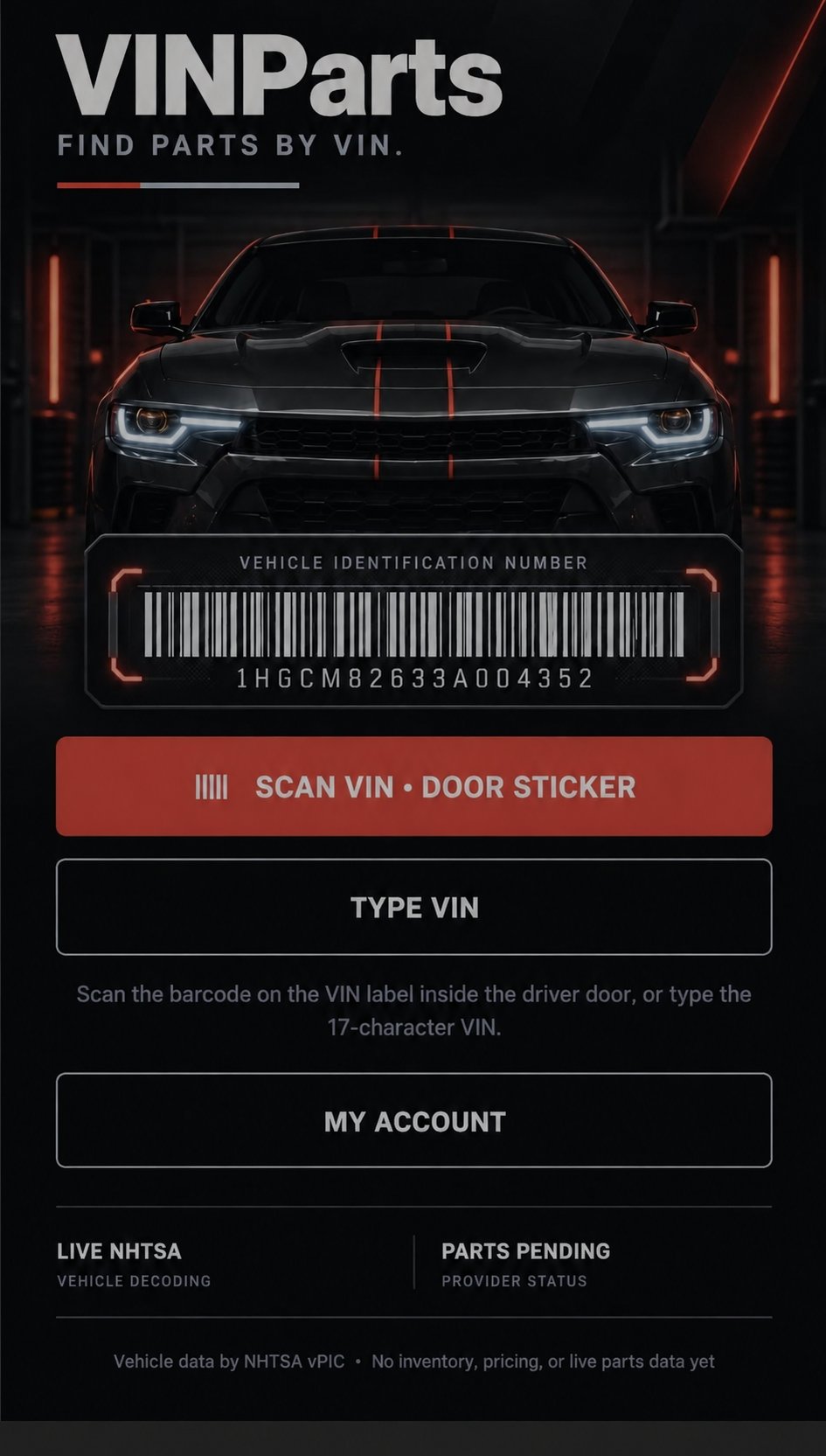
VINPARTS APP
Scan your VIN, type it, take a picture of the label, or scan the driver-door sticker.
Try the website demoWIDE VIN BARCODE SCANNER
Keep the four corners of the door-jamb label in the frame. The wide guide and red scan line make it easier to align the barcode.
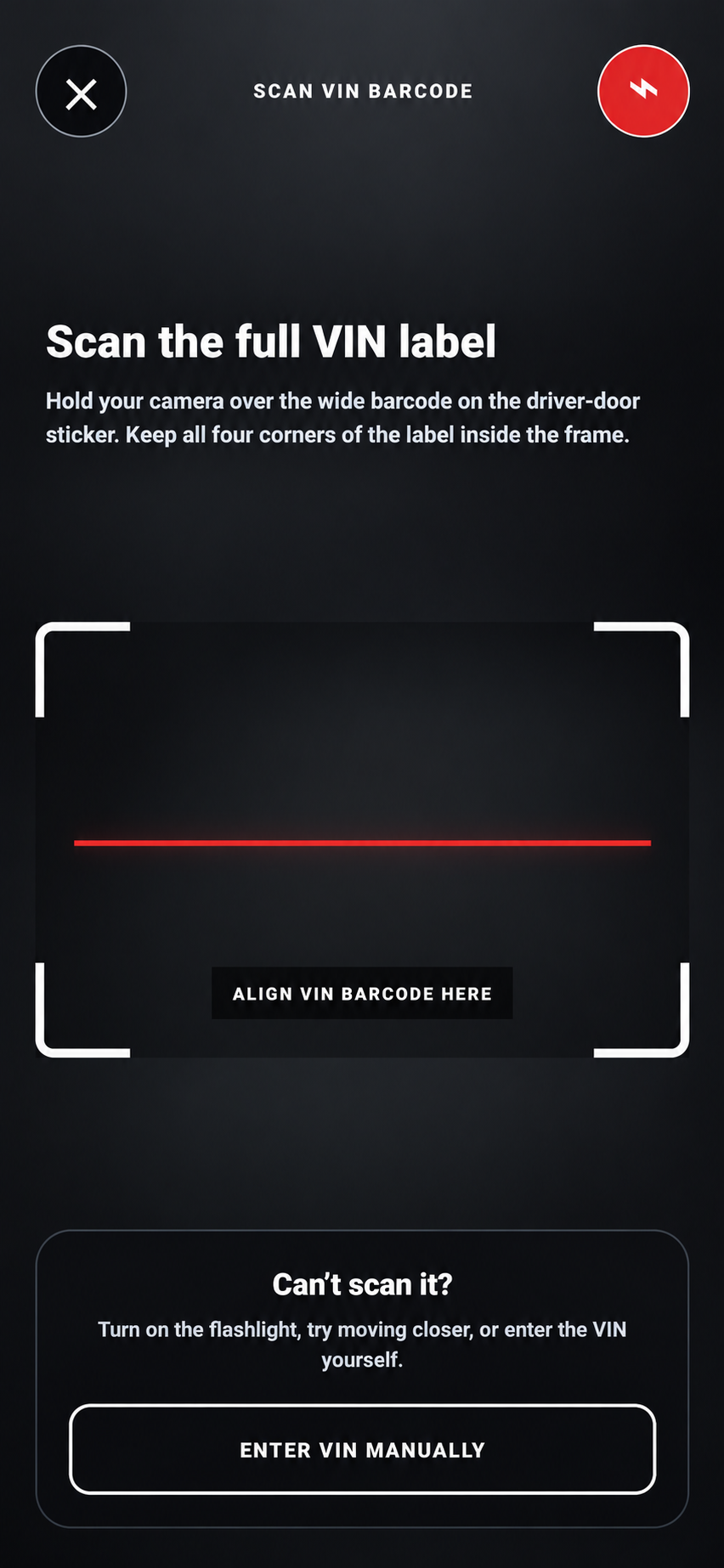
INTERACTIVE WALK-THROUGH
This is a safe on-page demonstration only. It uses a made-up VIN and does not run a live vehicle or parts lookup.
STEP 1 OF 3 · VIN
Made-up VIN for website demonstration only.
HOW VINPARTS WORKS
Use the door-jamb barcode scanner, a VIN photo for manual entry, or type all 17 characters.
Review the decoded year, make, model, trim, engine, and vehicle details.
Start with a category, then narrow it to brake pads, rotors, filters, wipers, and more.
BUILT TO BE CLEAR
The app checks a 17-character VIN before it is sent to the vehicle decoder.
Users confirm that final compatibility, price, availability, and installation must be verified with the seller or a qualified mechanic.
VINParts branches from a repair category into specific parts, so a search starts with the repair item you actually need.
Photograph the VIN label only—not a title, registration card, driver’s license, or other personal document.
VINPARTS
Start with the VIN, choose the exact repair part, and confirm final fitment with the seller before buying.